Daily field briefing
POLR AIPOLR AI

AI + AEC Today

Daily AI intelligence for the built world

Weekly digest

Weekly AI in AEC stories

← Archive

Edition · Wednesday, November 11, 2026

AI & Construction

Weekly Pulse · Industry actionability

The field is piloting, not just experimenting.

68%
ExperimentalPilotingField-ready
  • AI now watches your whole project and flags risks early
  • You can talk to your BIM model to find and fix things
  • Office AI tools can take meeting notes and draft your tasks

Practical Use of the Day

Turn messy meeting notes into a clear action list

After a job meeting, your notes are a mess. You can use a free AI chat tool to clean them up fast. Paste in your rough notes. Ask it to pull out each task, who owns it, and the due date. Ask it to flag anything that is not clear. Read it over and fix what is wrong. Now you have a short list to send your team. A person must still check it.

Try this prompt

You are helping me, a general contractor, turn rough meeting notes into a clear action list. I will paste my notes. Make a short table with three columns: the task, who owns it, and the due date. Use plain words. Only use what is in my notes. Do not invent tasks, owners, or dates. If an owner or date is missing or unclear, mark it TBD and list it at the bottom so I can confirm.

Tool — Any AI chat tool, like Claude or ChatGPT

Stories

5 curated
ConTechHigh impact

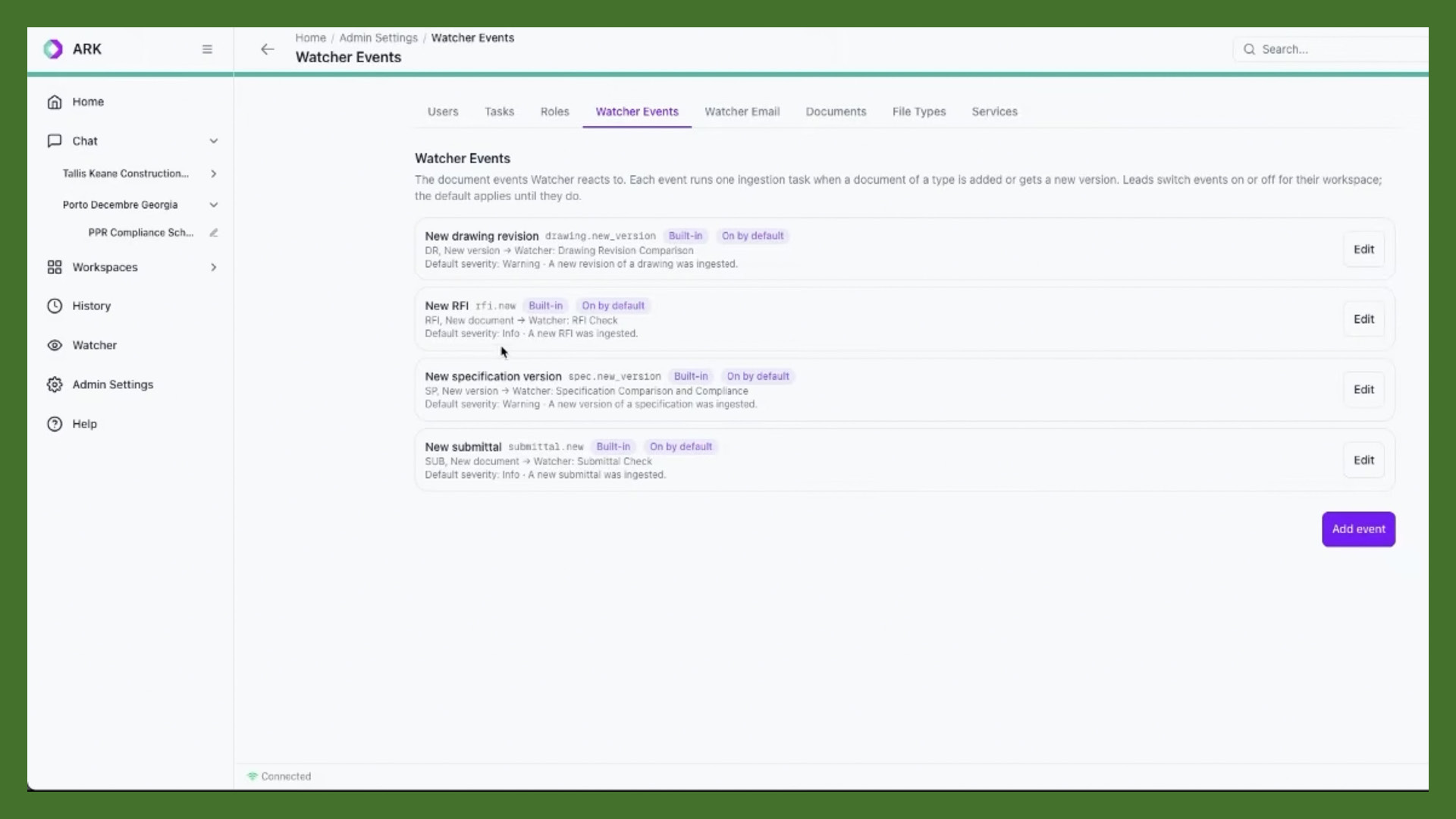
New AI watches your whole project and warns you early

Ageiro makes a tool called Ark Watcher. It watches your project data all day. It plugs into tools you already use, like Procore, Aconex, and SharePoint. It looks for spec changes, bad cost numbers, and gaps in sub pricing. It reads RFIs and submittals too. You pick what it watches. When it spots a problem, it sends an alert with a link to the source.

Why it matters to GCs

No person can watch every system all day. This tool can. It can catch a spec change or a bad price early. That can stop a claim or a change order later. It saves money and lowers risk. You still make the call.

AEC Magazine·Nov 10·Read source →
LinkedIn
ConTechHigh impact

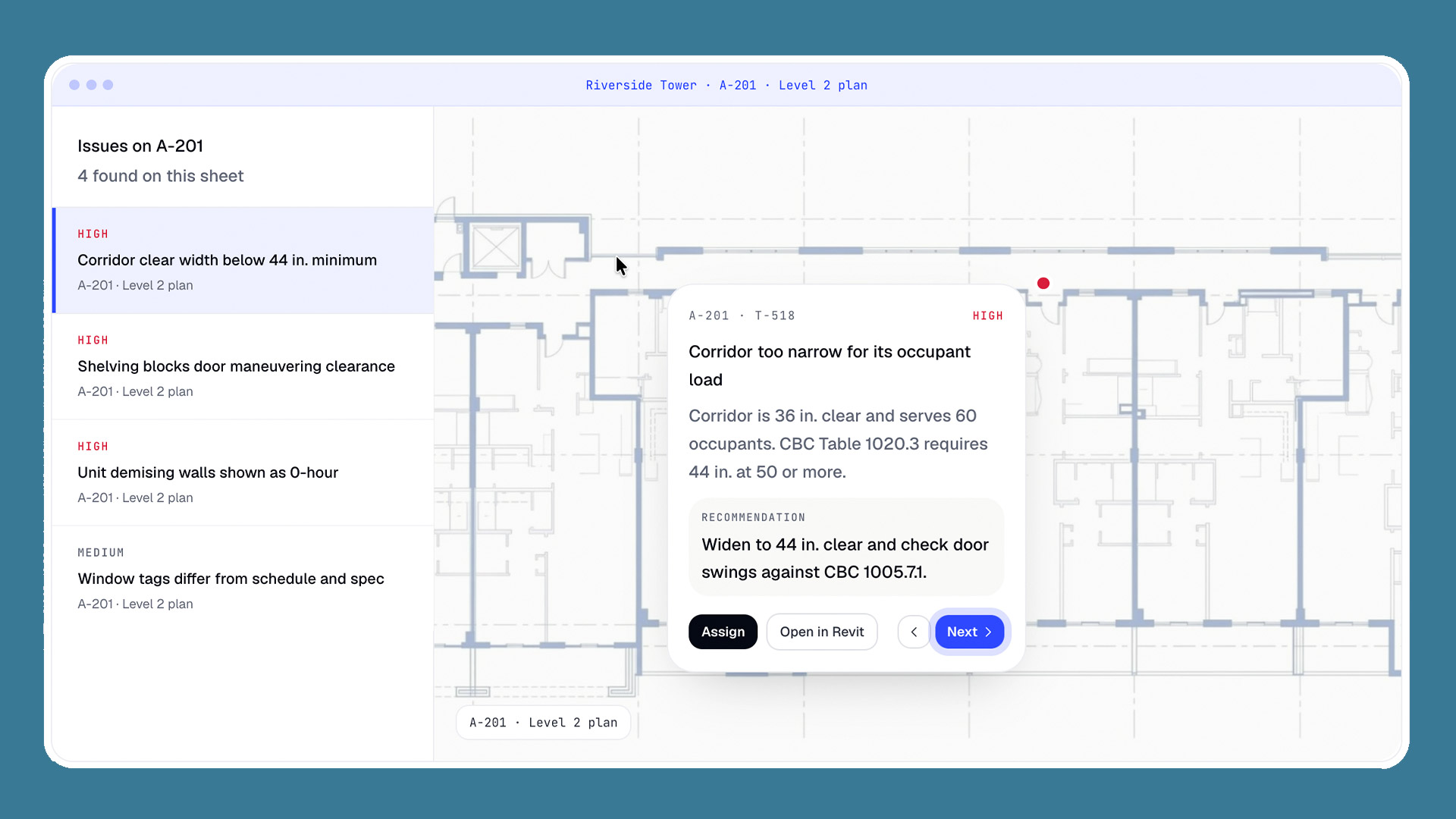
AI reads your plans for errors, and it knows the code

Archiboost is an AI tool for design and build teams. It reads your drawings and specs to find errors and clashes. It has a helper that looks up local zoning and building code. A new agent can draft RFI answers and check submittals. Each thing it flags links back to the drawing, spec, or code. The company just raised 6.2 million dollars.

Why it matters to GCs

A missed note or clash turns into an RFI or change order later. Catching it before you price the job saves real money. The code helper can flag a rule you might miss. A pro still checks every flag.

AEC Magazine·Nov 11·Read source →

LinkedIn
ConTechModerate

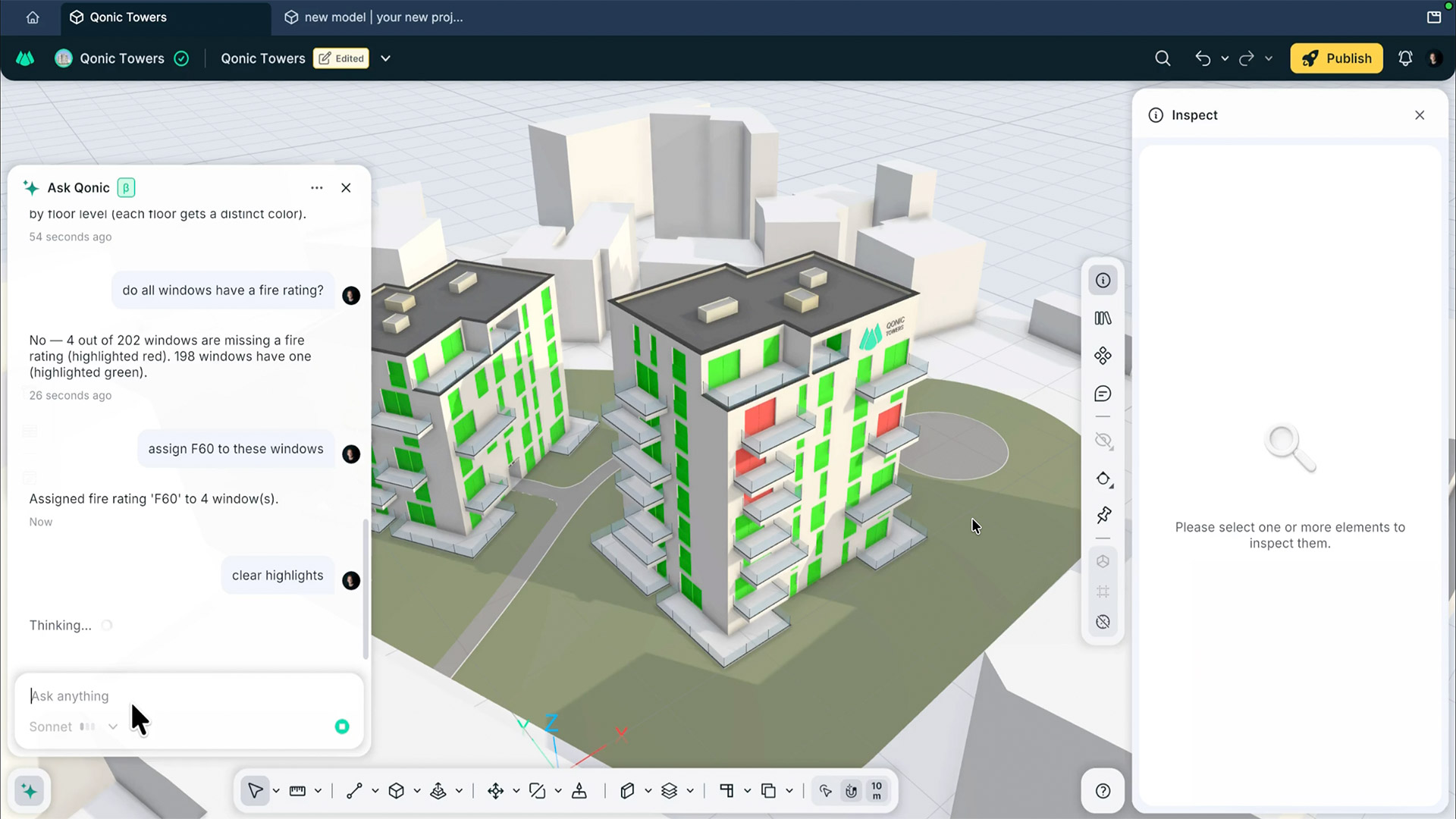
Talk to your BIM model and let AI do the work

Qonic makes a cloud BIM tool. It now has AI helpers built right in. You type a plain request, like find windows with no fire rating. The AI finds them and can fix them. It can fill in missing info, build reports, and change shapes. It can even model a wall from a prompt and a photo. It only changes models you are allowed to edit.

Why it matters to GCs

This cuts slow, by-hand BIM work down to a short ask. Clean model data means fewer mistakes and clashes down the line. You stay in charge, and any change can be undone.

AEC Magazine·Nov 5·Read source →

LinkedIn
AI FrontierModerate

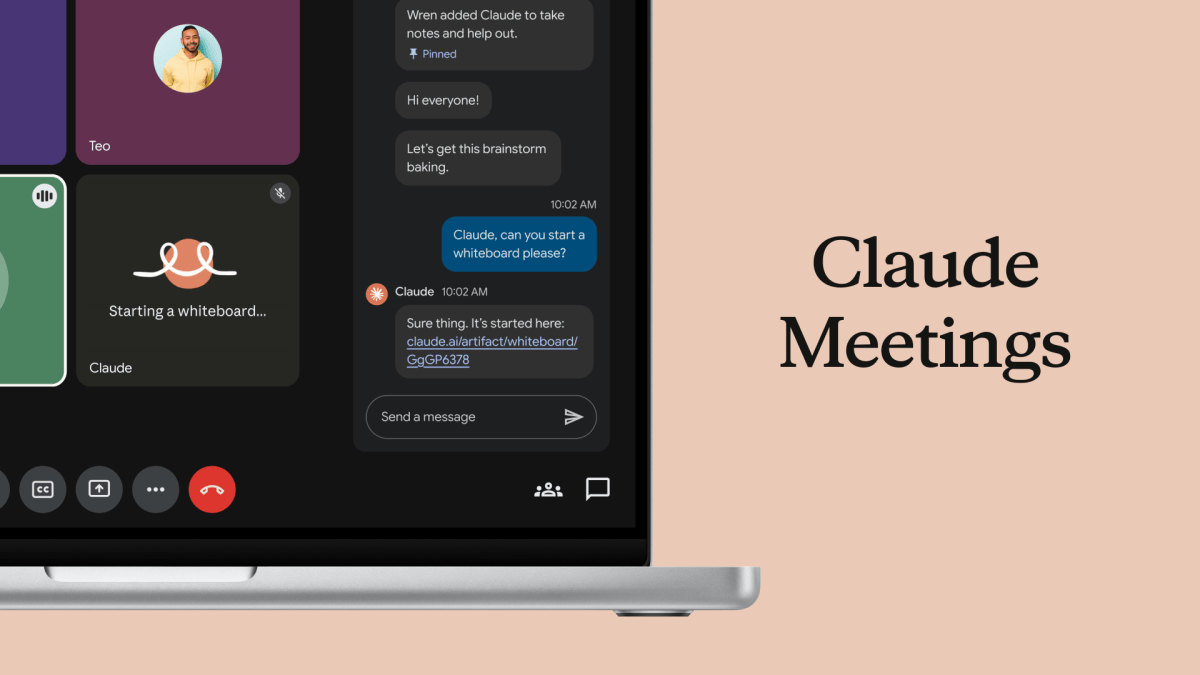
Anthropic's AI can now sit in your meetings and take notes

Anthropic makes the Claude AI tools. It just added Claude Meetings. The AI joins a video call as its own guest. It listens, drafts a plan, and maps out dates on a board. After the call, it leaves notes and a task list. It tells everyone it is there. For now it works only with Google Meet, on paid team plans.

Why it matters to GCs

A lot of your week is meetings. An AI that writes the notes and the to-do list can save you time. It could turn a long job call into clear next steps fast. Check its notes before you act on them.

TechCrunch·Nov 10·Read source →

LinkedIn
ConTechLow

Enscape adds AI that turns your model into design options

Chaos makes Enscape, a tool that turns 3D models into images. It just built its AI, Veras, right into Enscape. Now you can make design options and try new looks without leaving the app. It can swap materials and moods in a click. A new tool even makes a 3D object from one photo. It also has a helper that suggests assets.

Why it matters to GCs

This is more for the design side than the field. But faster, clearer images help you sell an idea to an owner. It can also save hours of modeling small objects by hand.

AEC Magazine·Nov 6·Read source →

LinkedIn